A SaaS website should help visitors understand the product, decide whether it fits their needs and take a clear next step. A polished interface can earn attention, but the site also needs to explain the problem, the workflow and what someone can expect after signing up.
Use this checklist to shape a brief for a new software website or to review an existing one. The right pages depend on the product, audience and sales process; not every company needs the same sitemap.
1. A clear explanation of the product
State who the product is for, what it helps them do and why that task matters. Avoid relying on phrases such as “transform your workflow” without describing the workflow. A visitor should not need to watch a video to learn which problem you solve.
For a hypothetical project-management product, “Plan projects, assign tasks and review progress in one workspace” communicates more than “The future of productivity”. Follow the headline with a short explanation of the intended user and an honest view of the product.
2. Screens that explain a workflow
Choose screenshots around a task rather than displaying a dashboard solely because it looks impressive. Add short captions that explain what the user is seeing. A useful sequence might show creating a project, assigning a task and checking its status.
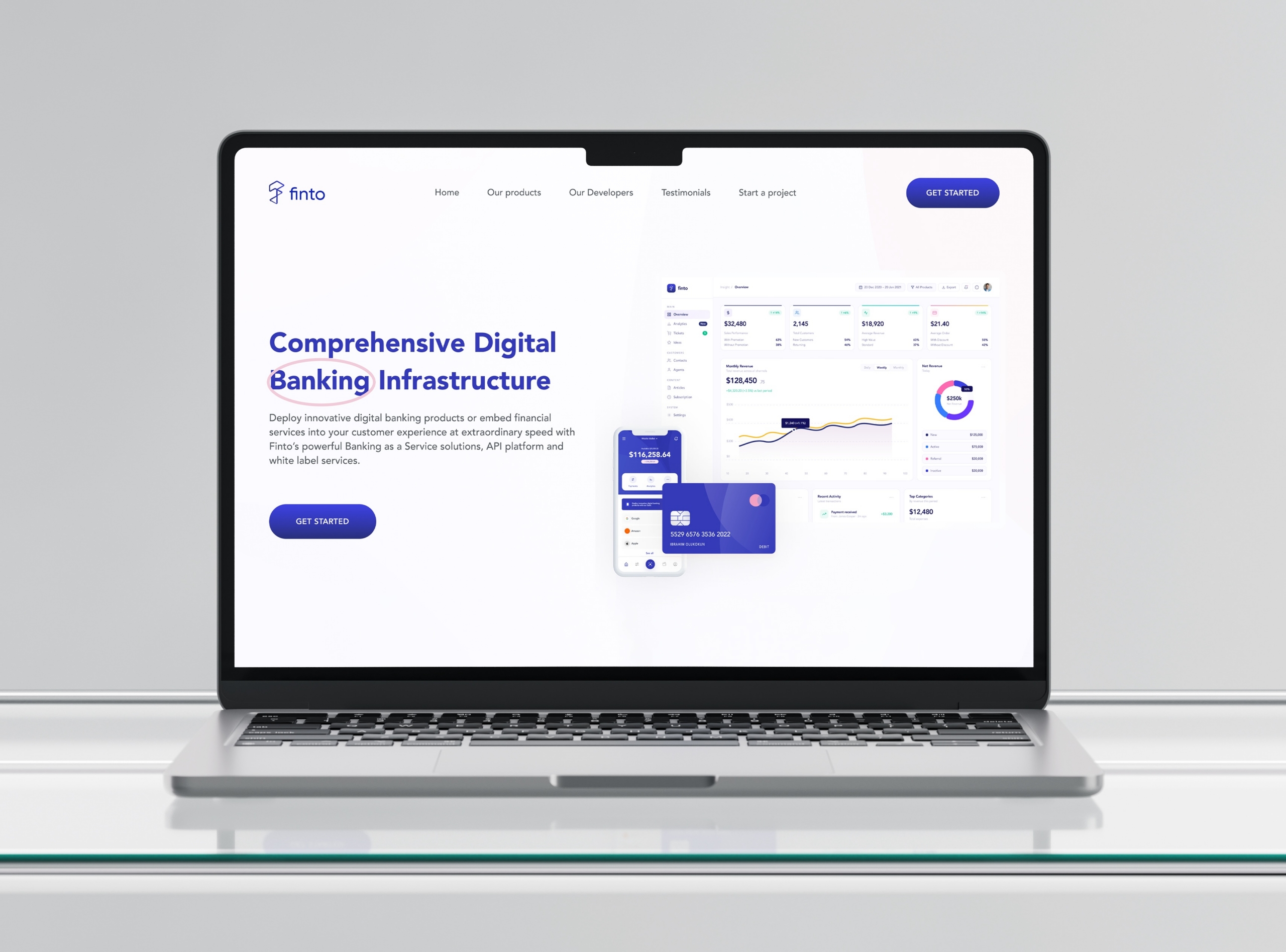
Our Targe studio project provides a workspace example for discussing interface hierarchy and task presentation. The Finto independent concept explores the relationship between a banking website and product screens. Neither should be presented as evidence of customer growth or production performance.
3. Pages built around buying questions
- Product or features: explain the main capabilities through tasks and examples, including meaningful limitations.
- Use cases: show how the product fits different roles where those differences are real.
- Pricing or sales information: explain what is included, relevant limits and whether a visitor should start a trial or speak to someone.
- Integrations: distinguish available connections from planned ones and explain what they enable.
- Support and documentation: give people a route to setup guidance, answers and help.
Combine pages when the content is short. Several thin pages repeating the same promises are less useful than one clear explanation with supporting detail.
4. Evidence people can assess
Use genuine customer examples, attributable testimonials and measurable results only when you can substantiate them and have permission to share them. If the product is early-stage, demonstrate the actual workflow and explain its current status.
A concept, prototype or beta can still be worth showing. Label it clearly. Do not use a polished mockup to imply that a feature is live, or sample dashboard figures to imply that they are business results.
5. One obvious next step
Choose the primary action around your sales model: start a trial, book a demo, join a waitlist or contact the team. Explain what happens next. If a demo requires a conversation, say so; if signup is not yet available, do not label the button “Start now”.
Keep enquiry forms focused on information needed to respond. Use clear labels and helpful errors. The W3C form-labelling guidance is a useful implementation reference.
6. A website people can find and use
Give pages descriptive titles, organise content under clear headings and link related pages using meaningful text. Google’s SEO Starter Guide explains these foundations. They help communicate the content; they do not guarantee a ranking.
Check important journeys on mobile, including navigation, signup and embedded booking tools. Review loading, responsiveness and unexpected layout movement using our website performance checklist.
Turn the checklist into a brief
List your audience, core workflow, available product screens, current proof, sales process and launch constraints. Mark which content is ready and which still needs to be written. This makes scope and dependencies easier to discuss before design begins.
Explore our website design and development service or tell us what your SaaS website needs to explain.
Contrivea studio notes · 17 October 2026. About the studio.